The short answer is: if the visa was issued in Dubai, use the GDRFA website. If the visa was issued in Abu Dhabi, Sharjah, Ajman, Ras Al Khaimah, Fujairah or Umm Al Quwain, use the
ICP Smart Services portal. Both services allow you to check your visa within minutes using the passport number. No account is needed to check. This tutorial covers all steps, the meaning of each status, typical problems and how to prevent fines.
Why You Should Check Your UAE Visa Status
- Avoid overstay fines. Fines grow every day you stay past your visa’s validity.
- Confirm approval. If you’re waiting on a visit visa, this tells you when to book your flight.
- Catch mistakes early. Wrong names or dates are easier to fix before travel.
- Plan travel. Knowing your exact expiry date helps you plan exits or renewals.
- Stay compliant. Employers and banks in the UAE often ask for proof your visa is valid.
A quick check takes less than five minutes. Skipping it can cost far more later.
Which Website Should You Use?
- Emirate Portal
- Dubai GDRFA Dubai
- Abu Dhabi ICP
- Sharjah ICP
- Ajman ICP
- Ras Al Khaimah ICP
- Fujairah ICP
- Umm Al Quwain ICP
Dubai visas are checked through GDRFA, while all other emirates use ICP services.
GDRFA is for Dubai only (General Directorate of Residency and Foreigners Affairs). The ICP (Federal Authority for Identity, Citizenship, Customs and Port Security) is responsible for the rest of the emirates and the Emirates ID for the whole country. The file number is generally 202 in Dubai. If you are not sure, try ICP first because that is the federal system.
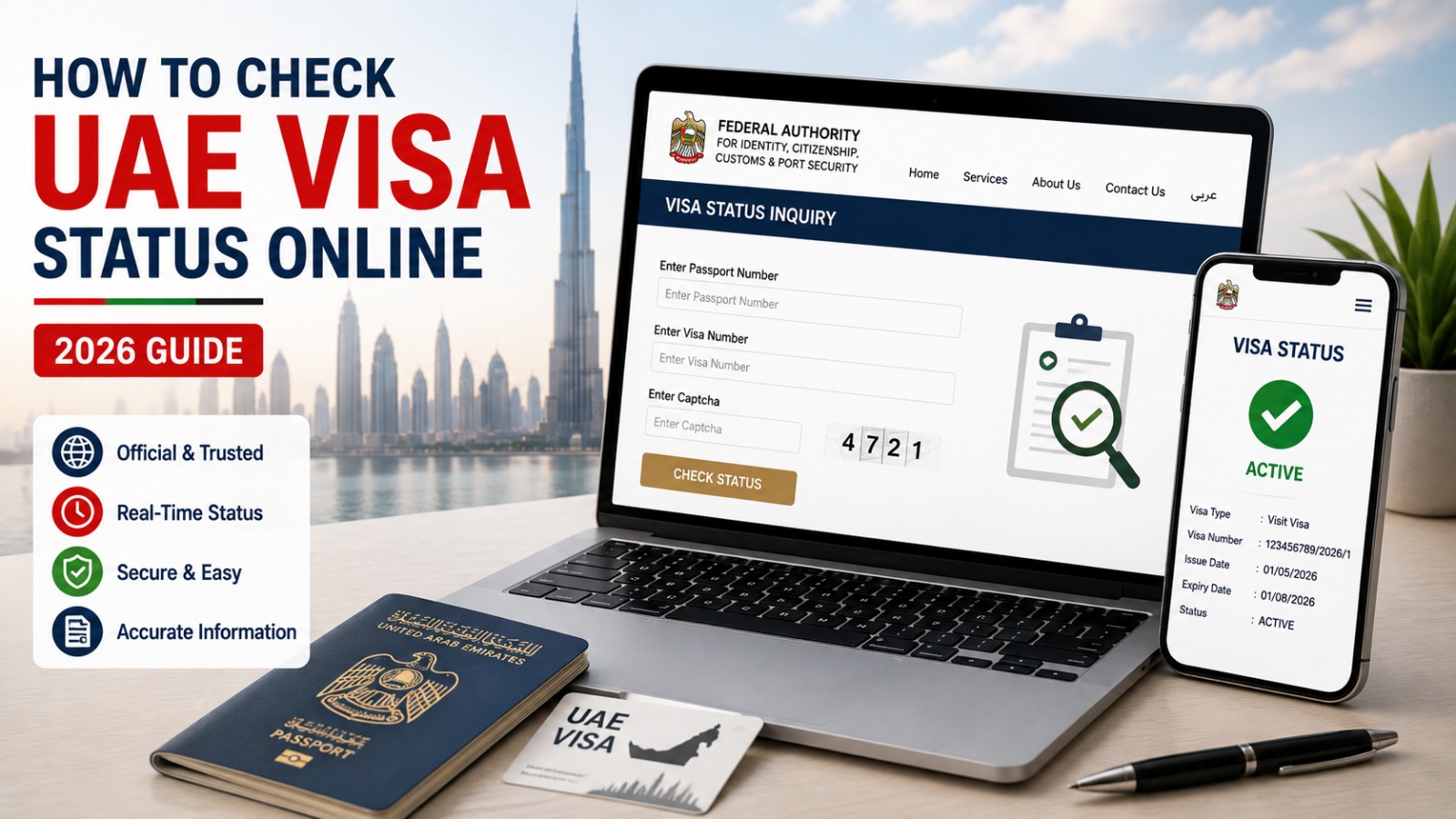
How to Check UAE Visa Status Through ICP
- Go to the official ICP Smart Services website (smartservices.icp.gov.ae).
- Open the File Validity or Visa and ID Check section.
- Choose a search method: passport number, application number, or Emirates ID.
- Enter your passport number, passport expiry date, and nationality.
- Type the CAPTCHA exactly as shown.
- Click Search.
Your visa type, dates, and current status appear right away. You can also use the UAEICP app, or sign in instantly with UAE Pass, the UAE’s digital ID login.
How to Check Dubai Visa Status Through GDRFA
- Visit the official GDRFA Dubai website or its smart portal.
- Click Visa Status or Status Inquiry.
- Choose your search method: passport number, file number, or entry permit number.
- Fill in the fields, including your name exactly as on your passport.
- Complete the CAPTCHA.
- Click Search.
The result shows your visa type, validity dates, and whether it’s approved, active, cancelled, or expired. You can also check through the DubaiNow app or an Amer Service Centre in person.
How to Track UAE Visa Application Status
Status checks show your current visa condition. Tracking shows the progress of a new application still being processed.
To track an application:
- Log in to your ICP or GDRFA account with the details you applied with.
- Go to My Applications or Application Tracking.
- Select the application to see its stage: submitted, under review, approved, or rejected.
If a travel agent or typing centre applied for you, they can give you a reference number to track your UAE visa application status without your own account.
Read Also: UAE Job Seeker Visa
UAE Visa Status Meanings
Status What It Means
Approved The visa or entry permit has been granted.
Under Process Immigration is still reviewing the file.
Active The visa is currently valid and usable.
Rejected The application was denied.
Cancelled The visa has ended, often due to a job or sponsor change.
Expired The validity period has ended.
No Record Found The entered details don’t match any file.
If your status says “Under Process,” be patient. Most visit visas clear within a few working days.
Read Also: UAE Residence Visa
Information Needed for Visa Check
Have these ready before you start:
- Passport number, exactly as printed, including leading zeros
- Passport expiry date and nationality
- Full name in English, matching your passport
- Application, file, or entry permit number, if you have one
Having these ready before opening the portal saves time and avoids errors.
Read Also: UAE Employment Visa
Can You Check UAE Visa Status by Passport Number?
Yes. A UAE visa status check by passport number is the most common method on both ICP and GDRFA. Enter your passport number with your nationality and passport expiry date, and the system matches it to your file instantly. This works for visit, employment, and residence visas.
One tip: use the passport number from the passport used when the visa was issued. If you’ve since renewed your passport, the old file may still be linked to the previous number.
Read Also: UAE Medical Test for Visa
Final Thoughts
Once you know the appropriate URL, it’s easy to check your UAE visa status online: GDRFA for Dubai, ICP for any other emirate. Both require simply a passport number and a few details to show your visa status, validity and expiry date within minutes.
Make checking a regular practice, especially before travel or when close to expiry. A two-minute inspection today can save you from penalties, delays or more trouble later.
Frequently Asked Questions
Which portal should I use?
GDRFA for Dubai visas; ICP Smart Services for Abu Dhabi, Sharjah, Ajman, Ras Al Khaimah, Fujairah, or Umm Al Quwain.
Is checking UAE visa status online free?
Yes. Both GDRFA and ICP offer free status checks with no payment needed.
Do I need an account to check my visa status?
No. A basic check only needs your passport number and a few other details.
How long does a UAE visit visa take to show as approved?
Most are processed within 2 to 5 working days, depending on nationality and visa type.
Can I check someone else’s visa status for them?
Yes, as long as you have their passport number, nationality, and other required details.
What if my status shows as expired?
You may need to exit the country, apply for a new visa, or pay an overstay fine. Acting quickly limits the penalty.